Is it really not a subscription? Not even a sneaky one?+
Really. Two lifetime tiers, one payment each, enforced by the app's own licensing code. There is no monthly anything. The trial doesn't even ask for a card, so it physically cannot "forget" to stop charging you.
How much is it, exactly?+
Screenplay is €79. Production is €349. If you own Screenplay and want the production office later, it's €270, the difference, and nothing you already paid is wasted. One payment each, through the Mac App Store: those are the store's prices, VAT included where it applies, and if you need an invoice made out to a company, write to support@luminosfilm.com. That is the entire price list, and it's the same list in every country we sell in.
What happens on day 8 of the trial?+
Nothing is deleted. The projects you started during the trial stay yours and keep opening: you can read them, print them, and there's an Export Everything button that packages all the work you did during the trial, PDF and plain-text Fountain included, even if you never pay. What stops is editing, until you buy. We're not holding your pages hostage to close a sale.
Do the analysis tools send my script to a server?+
No. Everything runs on your Mac: semantic search, breakdown tagging, story analysis, all of it. The deep features work with Wi-Fi off. Your script stays on your machine, where scripts belong.
I have twenty years of .fdx files. Can I get them back out?+
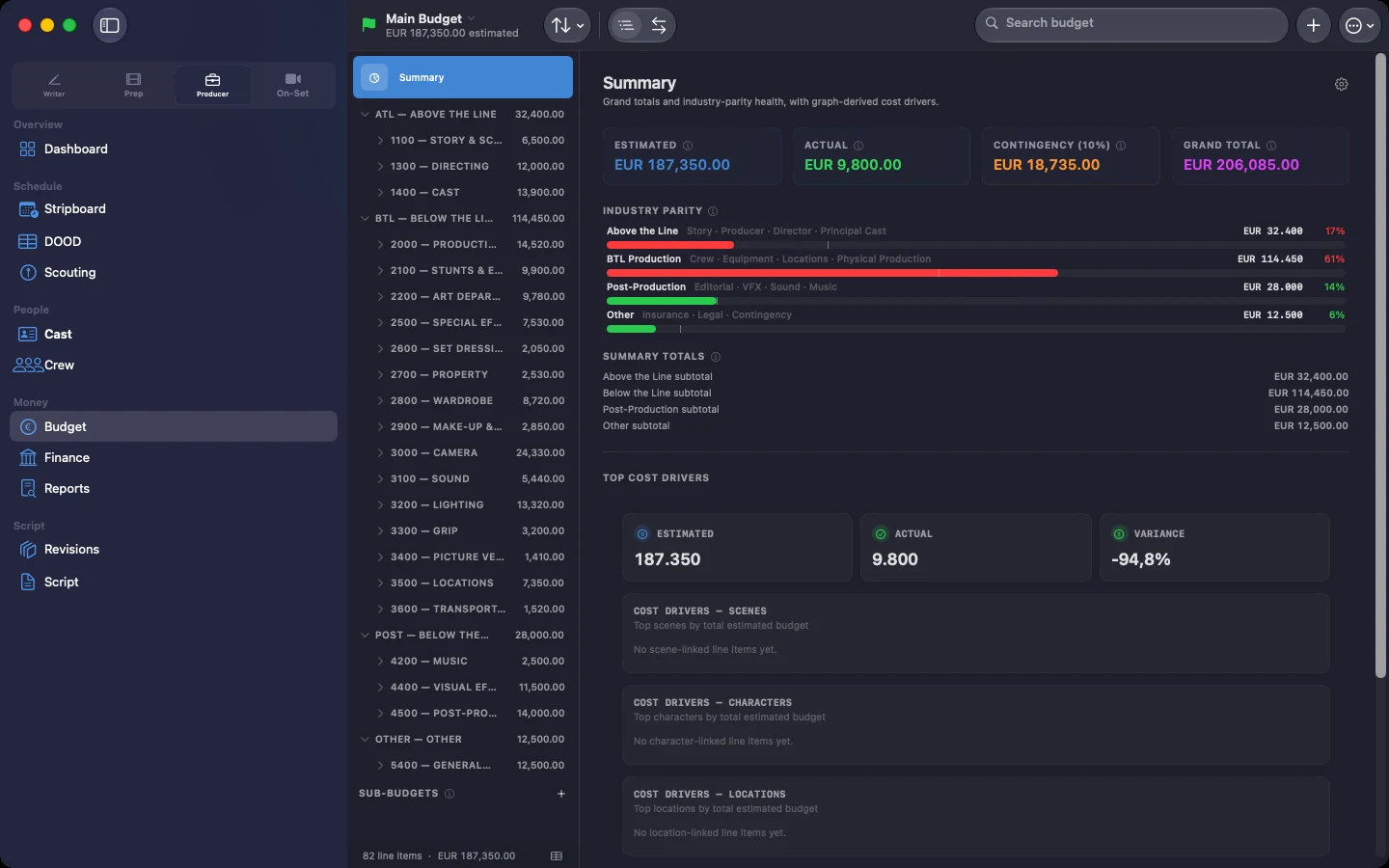
In, yes. Out, partly, and here is the unvarnished version: there is no .fdx export yet. Import is at exact page-count parity, regression-tested against three real feature scripts, so the draft your production budgeted against stays the same length. On the way out you get reference-accurate PDF, US Letter or A4, and your entire draft history as plain-text Fountain, which every screenwriting app reads. Schedules and budgets do go both ways, in .mmsx and .mmb.
How does co-writing work without sign-ups?+
You send your co-writer a link, a file over AirDrop, or an iCloud share, and they're in, live cursors and all, in minutes. No Lucerna account, no sign-up form: the Apple Account they already have does the job. Their edits and yours travel between your machines, using Apple's infrastructure as the fallback route, and never through a server of ours, because we don't run one. Permissions are role-based, so whoever runs the schedule never touches your dialogue.
Two writers on the same scene. What happens?+
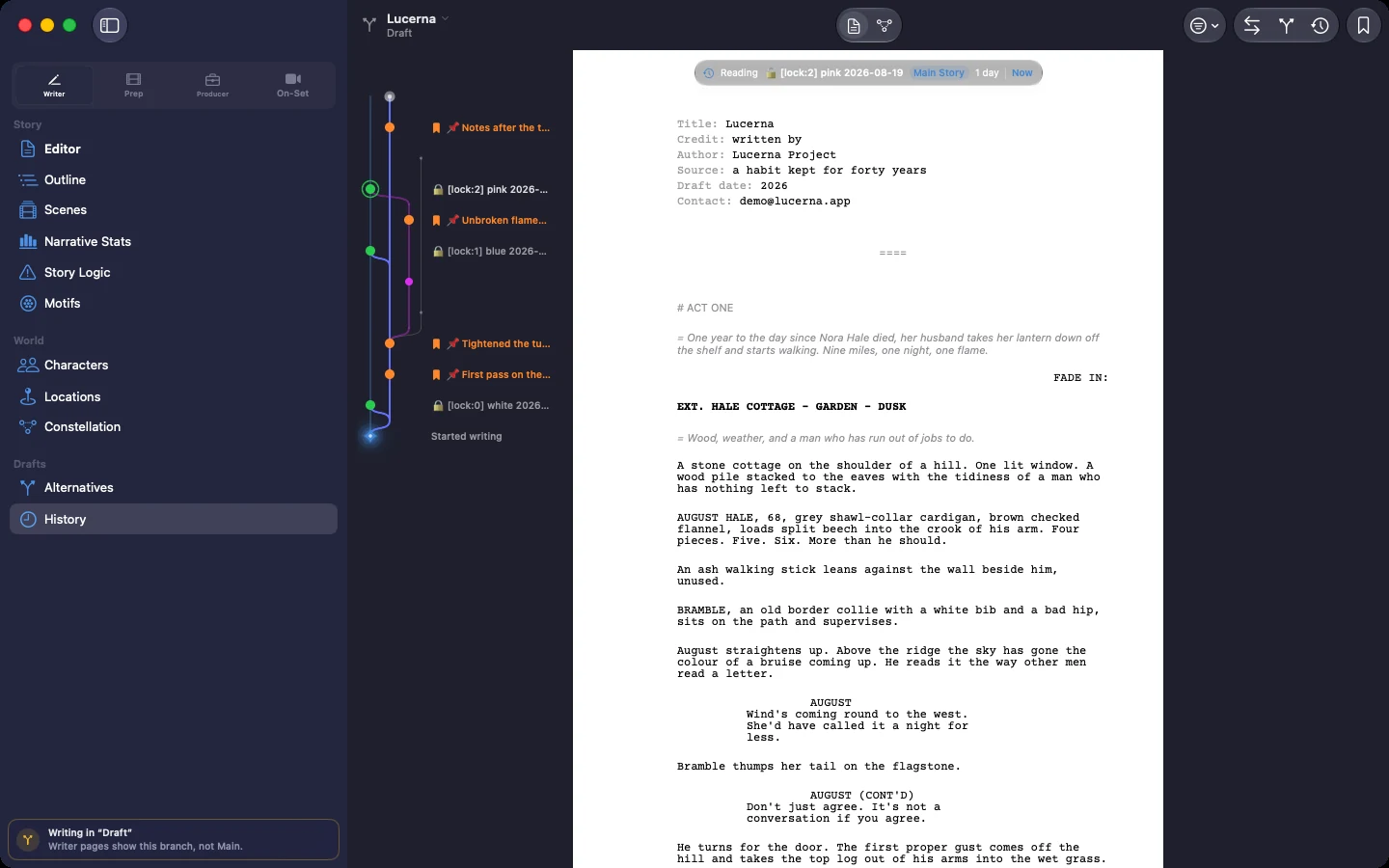
You both write. That is the case co-writing was built for: your cursors move across the page live, each in its own color with the name on it, and your edits merge instead of overwriting each other, because the app was made for two people typing at once rather than for one person at a time. Permissions are set per role, so what each of you can change follows the role you came in as. The history records every pass with its date, so who moved what, and when, is never a matter of opinion. And when the scene wants to go two ways, Story Alternatives holds both versions of it side by side until one of you decides, then weaves the surviving one back into the draft. Two people, one document, the same minute: that is what this is for.
What do I need to run it?+
A Mac with Apple silicon, macOS 14 or later. The on-device analysis ships inside the app — nothing extra to download. PDFs come out US Letter or A4. There's an iOS companion for take logging on set, on the same network as your Mac. Intel Macs are not supported, and we'd rather say it plainly than hedge: Apple has retired Intel from its own development tools, and we won't sell you an app that's aging on the day you buy it.
How many Macs does one licence cover? Can I have an invoice?+
One purchase covers the Macs signed in to your Apple Account: your desktop and your laptop, not the whole floor. Buying for a company, or need an invoice to a VAT number? Apple Business Manager handles volume purchases, or write to support@luminosfilm.com and a person will sort it out with you. We're Luminos S.r.l., Via Pietro Piffetti 48, Turin, VAT IT12361020014. There is a company here, with an address. The licence itself, the EULA, is published on this site under Legal: you can read it before you buy, instead of after.
I pay once. What does 'forever' cover when it comes to updates?+
What you're buying is Lucerna 26, and every 26.x update is included: fixes, new features, and keeping up with new versions of macOS. When a next major Lucerna ships someday, it will be a separate purchase and a choice, never a switch we flip on you: Lucerna 26 stays alive, licensed and working, keeps opening your projects, and nothing expires because you said no. Lucerna 26 also stays on sale: you can still buy it and install it after the next version ships, which matters if a writer joins your room in month fourteen and everybody has to be on the same build. And if we disappeared tomorrow, your projects are files on your own Mac, and the exports below don't need us to run.
Windows? Ever?+
Not today. A multi-platform version is in the works, honestly without a date: right now every hour goes into making the Mac version the best thing we have ever built, and we won't sell you a waiting list. If you want one email on the day a Windows build is real, write to support@luminosfilm.com and you'll get exactly that, one email.
I start from a storyboard, not a screenplay. Is this for me?+
Today, no, and we'd rather lose the sale than waste your afternoon. The schedule, the call sheets and the budget are all built from the screenplay: that is where Lucerna reads the scenes, the locations, the cast and the page count from. There is no way in that starts from a shot list or a storyboard with no script behind it. If that is where your work lives, an agency board, three lines of copy, a shoot on Thursday, then Lucerna doesn't do your job today. If you want to know the day that changes, write to support@luminosfilm.com and we'll tell you. No newsletter, just the answer.
What happens to my work if I stop using Lucerna?+
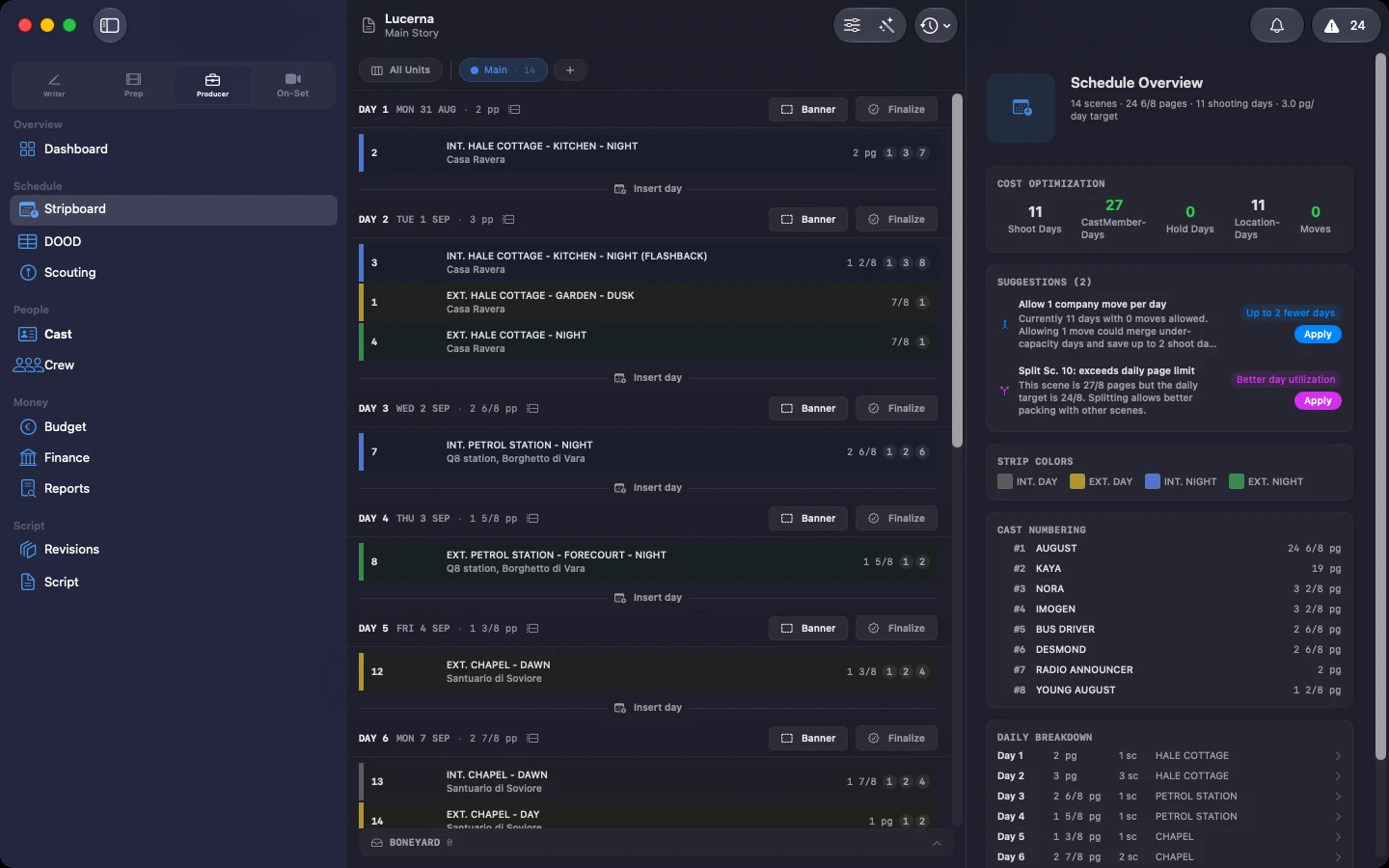
You keep everything, twice over. Your projects live on your Mac, and one click exports your entire draft history as plain Fountain text. The production side comes out too, in formats other people's software opens: the schedule as .mmsx, the budget as .mmb and CSV, the breakdown as CSV, call sheets, sides, DOOD and reports as PDF. Even the audit bundle carries a PDF and a spreadsheet inside, so its numbers survive without us. Lucerna is deliberately built to not be a trap. Which is easy, because we have no recurring revenue to protect.